Position
Fit sensors into each strap as shown in Strap Setup. Apply electrode gel, position over the selected muscles and fasten comfortably.
Two sensors per hamstring or calf strap. One per strap for other muscles.
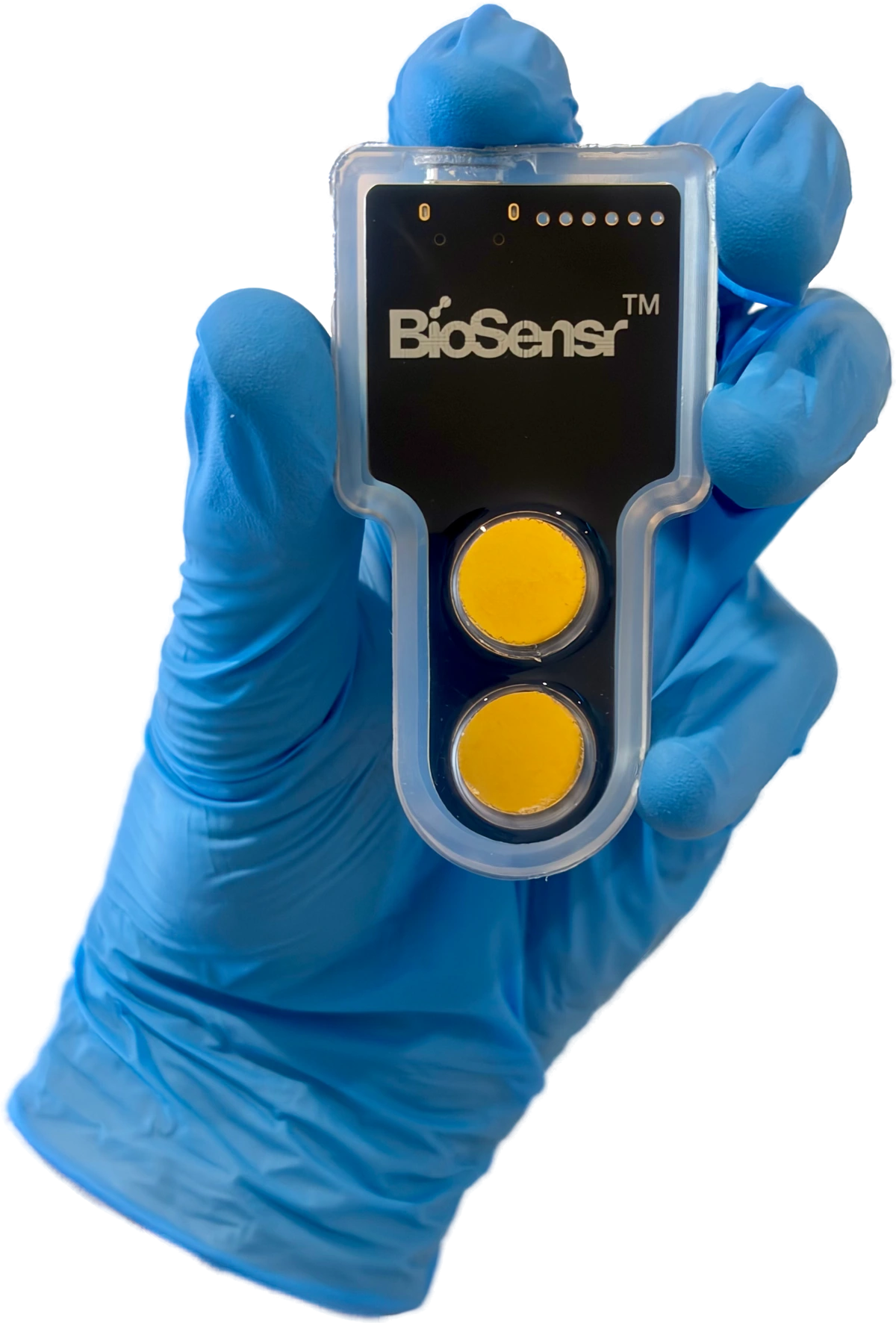
Wearable sensors and Software. Record, compare and review on Mac or Windows.
From setup to review
Fit sensors into each strap as shown in Strap Setup. Apply electrode gel, position over the selected muscles and fasten comfortably.
Two sensors per hamstring or calf strap. One per strap for other muscles.Follow the Software prompts using the coloured USB-C sleeves. Connect one sensor at a time.
Teal → Blue → Orange → YellowUse the guided isometric hold for a structured test, or Free recording for other movements. Watch the signals during your session.
Choose the workflow that fits your measurement.Check signal quality and measurement validity, then review recorded activity. For isometric holds, compare each side with that athlete’s saved baseline.
Free recordings show activity without baseline comparisons.Inside the Software
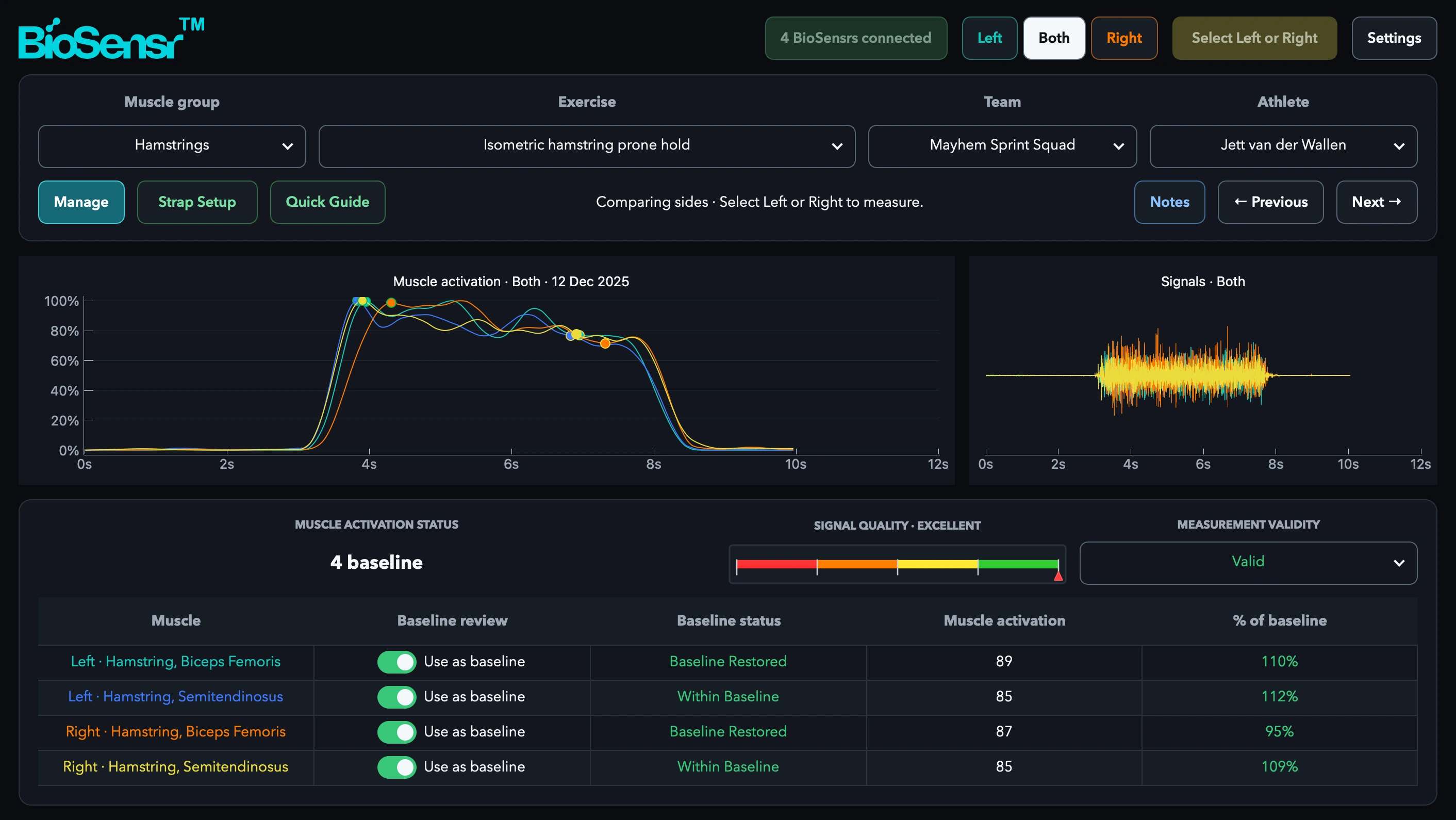
Choose the muscle group, exercise, team and athlete.
Recorded example · Jett van der Wallen · Mayhem Sprint Squad · 12 December 2025
Technical specifications
Before you begin
Clear setup guidance and a familiar workflow, on and off the screen.
BioSensr shows recorded muscle activity and, for guided holds, how a result compares with that athlete’s baseline. It does not directly measure force or strength, diagnose injury or decide return-to-sport clearance.
Surface electromyography (EMG) uses electrodes on the skin to record the electrical activity muscles produce in response to nerve signals. BioSensr records timed Relax / Tense / Relax isometric holds for hamstrings or other supported muscles. It does not directly measure force.
Choose an isometric hold for timed prompts and comparison with the athlete’s own baseline. For consistent results, repeat the same hold in regular strength and conditioning sessions, ideally on the same day each week. Use Free recording to observe a suitable movement without a baseline comparison.
BioSensr is available for Mac and Windows. Intel Macs are not supported. Check the account page for current system requirements and downloads. View Software downloads ↗
Start with the Quick Guide. The Instructions for Use cover setup, safety and care. The technical brief gives a short product overview.
For your next team session
Tell us your sport and what you want to measure.
We’ll walk through how BioSensr could fit your team.